 Open Places API
 Build a store locator without Google Maps
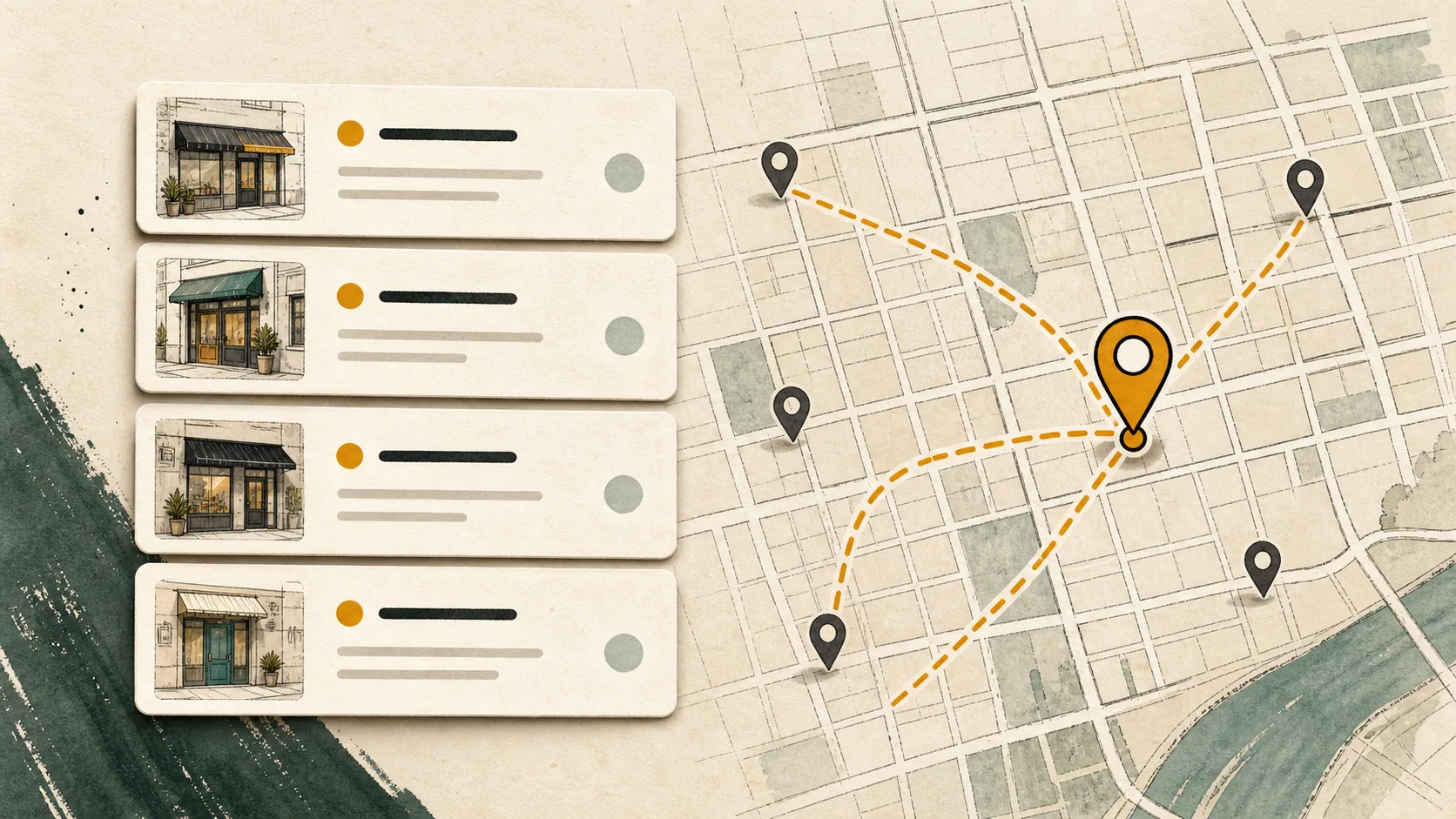
A store locator is two problems wearing one trench coat: knowing where the user is, and finding what’s near that point. Google Maps solves both, plus forty other problems you don’t have, at a price that assumes you have all forty.
This guide builds the “what’s near them” half with a single GET request against the Open Places API, and handles the “where are they” half with tools you already have. No SDK, no map tiles, no platform.
What you’re building
A backend route that takes a coordinate and returns nearby places as JSON, ready to render as a list. The list-first store locator is underrated: most users want the address, the distance, and a link to directions, not a draggable map.
The shape of every request:
curl -G "https://api.openplacesapi.com/v1/places" \
  --data-urlencode "q=pharmacy" \
  --data-urlencode "lat=40.7128" \
  --data-urlencode "lon=-74.0060" \
  --data-urlencode "radius_mi=10" \
  --data-urlencode "limit=10" \
  -H "Authorization: Bearer $OPEN_PLACES_API_KEY"
You get back places with names, coordinates, distances in miles, categories, and structured addresses. That’s the whole search side of a locator.
Step 1: get a coordinate for the user
The Places API needs a lat/lon. It does not geocode addresses (we’d rather tell you that in the second section than after you’ve integrated). Two ways to get the coordinate:
Browser geolocation, when the user allows it. Free, often accurate enough, and no extra third party:
navigator.geolocation.getCurrentPosition(async (position) => {
  const { latitude, longitude } = position.coords;
  const response = await fetch(`/api/nearby?lat=${latitude}&lon=${longitude}`);
  renderResults(await response.json());
});
A geocoder for typed input, as the fallback. When the user types a ZIP code or city instead, convert it to a coordinate with a geocoding service and pass the result to the search. Any geocoder works; for US ZIP codes, even a static lookup table gets you surprisingly far. Pairing a specialist geocoder with a specialist place search usually still costs less than one generalist platform.
Step 2: search from your backend
Keep the API key server-side. A small route takes the coordinate, calls the Places API, and returns the results your frontend renders:
// /api/nearby — Node, no SDK required
export async function GET(request) {
  const { searchParams } = new URL(request.url);
  const url = new URL("https://api.openplacesapi.com/v1/places");
  url.search = new URLSearchParams({
    q: "pharmacy",
    lat: searchParams.get("lat"),
    lon: searchParams.get("lon"),
    radius_mi: "10",
    limit: "10",
  }).toString();

  const response = await fetch(url, {
    headers: { Authorization: `Bearer ${process.env.OPEN_PLACES_API_KEY}` },
  });
  const body = await response.json();

  if (!response.ok) {
    // 402 = monthly cap reached, 429 = slow down, 503 = retry shortly.
    return Response.json({ error: body?.error?.code }, { status: response.status });
  }
  return Response.json(body.results);
}
Each result arrives ready for a list row:
{
  "place_id": "overture:08f2c...",
  "name": "Duane Reade",
  "lat": 40.710023,
  "lon": -74.007846,
  "distance_mi": 0.21,
  "categories": ["pharmacy"],
  "address": { "formatted": "100 Broadway", "locality": "New York", "country_code": "US" }
}
Step 3: render a list, link out for directions
Sort is already handled (relevance, then distance). Render name, address, and distance_mi, and make each row link to directions using the coordinates. On mobile, Apple Maps and Google Maps direction URLs usually hand off to the installed maps app:
const directionsUrl = (place) =>
  `https://www.google.com/maps/dir/?api=1&destination=${place.lat},${place.lon}`;
If you do want pins on a map, the results are plain coordinates: drop them into Leaflet with an OpenStreetMap-compatible tile provider, or a static map image. The search doesn’t care what renders it.
Locating your own stores
Everything above searches the open Overture base data: 73.6 million places with global coverage wherever the current release has indexable Places data. If the places you’re locating are your own stores, that’s what account-owned layers are for: your records, served through the same search, visible only to your API keys. Run them on top of the Overture base or search them exclusively. See how layers work.
What this costs
The free plan is 10,000 searches a month with no credit card, which covers a small site’s locator outright. Past that, it’s $19 for 30,000 searches or $49 for 100,000. Every plan has a hard cap: when you hit it, the API returns a 402 and stops. It never bills you for the overage. A locator that gets unexpectedly popular is a 402, not an invoice.
Is this the right tool for your locator?
Use this approach when your locator needs nearby search around a coordinate in our global coverage. Skip it if your core need is address autocomplete in the search box, map tiles as the main UI, or uniformly dense and complete POI data everywhere. We’re the wrong API for those, and the integration above pairs fine with whatever you pick instead.
Try a live search on the homepage without signing up, or grab a free key and have the route above running in a few minutes.